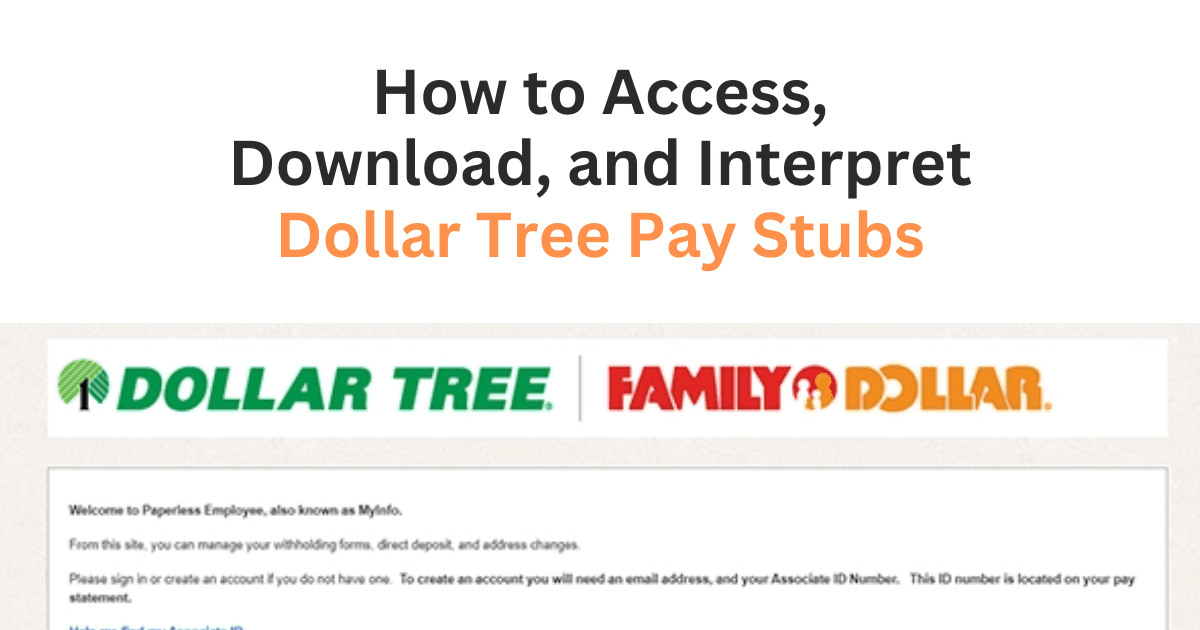

In 2024, Dollar Tree reported a stunning gross profit of 6.02 billion dollars, a testament to its growth and workforce across various locations. Behind this scale lies a critical process with legal compliance that can directly affect every Dollar Tree employee: the Dollar Tree paystub.
A Dollar Tree pay stub is more than just a breakdown of earnings and deductions; it’s a vital financial record that supports employees in securing loans, renting homes, and managing taxes. It is not just a courtesy but a legal responsibility.
This guide will teach you how to access the Dollar Tree employee portal and provide tips for managing paystub information. The process is step-by-step.
What Is a Dollar Tree Pay Stub, and Why Do You Need It?
An employee’s earnings, deductions, and other payroll details for a given pay period are listed on a Dollar Tree paystub. In easy terms, it is a paycheck breakdown, showing how much a Dollar Tree employee received as net pay, deductions, and withholdings, as dollar tree employee. You require a Dollar Tree paystub to take a loan, manage your budget, and perform other purposes mentioned below in-depth, so keep reading to obtain a Dollar Tree pay stub.
- Financial Management: Pay stubs help you monitor your income and expenses. You can budget and manage your finances by monitoring your pay stubs.
- Tax Filing: To view Dollar Tree pay stubs is essential for filing your taxes because they reflect your net income and yearly withholdings.
- Loan Applications: Lenders often require proof of income, and a pay stub is a common form of evidence.
- Applications for rent: Landlords may also need pay stubs to confirm their income.
- Employment Verification: View Dollar Tree pay stubs and confirm your job with third parties when applying for a loan or insurance.
- Proof: Pay stubs may be used as proof when there is disagreement over wages or hours worked.
- Maintaining Records: They offer a permanent record of your earnings and employment.
How to Access the Dollar Tree Employee Portal
If you are an employee who wants to monitor your income or ensure transparency in payroll, you need easy access to your pay stubs. The following process is smooth and reliable.
For Employees
To get a Dollar Tree pay stub through Myinfo is as simple as logging into the secure platform and following a few straightforward steps. Whether you’re reviewing last week’s wages or checking annual deductions, here’s how to get started:
1) Open the Dollar Tree dashboard portal on MyINFO and log in.
- Visit the Website: The platform is designed to be user-friendly and secure. Head over to the official Dollar Tree My Info login page.
- Put in your login information: Enter the email address and password you used to register. New users should follow the setup instructions provided via email or by their employer.
- Stay Secure: Always log in from a private network and keep your credentials confidential.
2) View or Download Your Pay Stub
- Navigate to “Pay Stubs.” From your dashboard, select the “Pay Stubs” tab.
- Choose a Pay Period: View detailed summaries by date.
- Print or Save: Download your pay stub for personal records, loan applications, or tax filing.
3) Update Preferences and Info
- Direct Deposit Details: Verify your banking info is up to date.
- Contact Information: Make sure your email and phone number are current.
4) Troubleshooting
- If you have trouble logging in, use the password recovery option or contact your payroll administrator. Sometimes, switching browsers or clearing your cache does the trick.
MyInfo Dollar Tree portal ensures your pay information is always at your fingertips; no need to go chasing rainbows when everything you need is just a click away.
For Former Dollar Tree Employees:
If you have moved on from Dollar Tree, you have not lost access to your payroll records. The Myinfo Dollar Tree portal lets former employees quickly and securely access essential documents, such as pay stubs.
1) Open the MyInfo Dollar Tree Portal and log in.
The same portal used during your employment remains accessible after you leave, at least for a limited time.
- Visit the Login Page: Go to the website’s official MyInfo Dollar Tree login page.
- Enter Your Credentials: Use the email and password you set up earlier. If you’ve forgotten your details, use the login page’s password or username recovery credentials.
- Stay Secure: Use a private device and a secure internet connection when accessing sensitive payroll information.
2) Locate and Download Your Pay Stubs
Once inside your dashboard, finding past pay records is straightforward.
- Go to “Earnings” or “Pay Stubs.” Choose the area containing your past compensation data.
- Choose a Pay Period: Look for the date range that matches the pay stub you need.
- Download or Print: You can generate a PDF or printed version for your records.
If you haven’t gotten your tax documents, get in touch with your former company right away.
Smart Tips for Managing Your Pay Stub Information
To get Dollar Tree pay stub information, you must learn about your finances, ensure accuracy, and be ready for any future queries that may come your way. Here are some essential tips to keep those troubles away.
Review Regularly
Take a few minutes each pay cycle to review your stub. Verify again the accuracy of the hours worked, pay rate, deductions, and net compensation.
Keep Copies
Whether you prefer digital or paper format, make it a habit to save each pay stub. Having a record on hand can save time during tax season or when applying for loans or rentals.
Cross-Check with Your Schedule
Compare your pay stub with your time cards or work schedule to ensure your compensation reflects actual hours worked. This simple step helps prevent payroll errors.
Use for Financial Planning
Your pay stub provides more than just earnings. It includes details useful for budgeting, filing taxes, and verifying income for credit or rental applications.
Report Discrepancies Promptly
Do not overlook anything that seems out of the ordinary. To prevent such issues, report the problem as soon as you can to your management or human resources.
Remain safe online.
Watch out for threats on the internet. Use secure devices and strong passwords, particularly when downloading or emailing pay stubs. When life throws you something unexpected, it’s one less thing to worry about.
Pro Tip:
Do you urgently need your Dollar Tree paystub for a loan or apartment application, or have you misplaced it? Don’t worry about it. You can quickly, reliably, and hassle-free create a professional pay stub in minutes using programs like Free Paycheck Creator. It’s one less thing to worry about when life surprises you.
Key takeaways
Paystubs are crucial for monitoring personal finances, verifying employment, and preparing for tax season. Dollar Tree simplifies this process through the info portal. The above guide lets you download, view, and access your pay stub easily and quickly.